Inbound / Outbound
Overview of all incoming and outgoing documents
In this overview, you can see all the documents you have received in BatchFlow, where they were sent from, as well as all invoices that are currently being exported.


Incoming
Overview
The overview displays a range of information about how the attachment was received, who sent it, and when it was received.

When the receipt type is Email, you can see in the sender column who sent the attachment, how long it took for AI OCR to process the document, and the subject of the email.
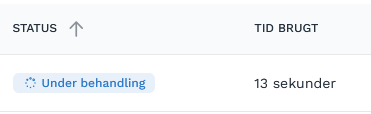
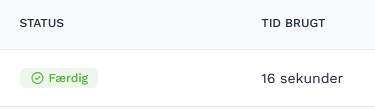
Processing a PDF is often quite fast, but if you’ve just sent a PDF, it will appear here immediately as “In Progress,” along with how long it has taken so far. As soon as processing is complete, it receives a new status and is displayed in New documents or sent to flow via automations.
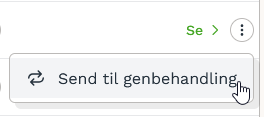
If it has not been scanned correctly and you would like to try again, you can send it for reprocessing under Actions. This will rescan the invoice as if it had just arrived and overwrite the existing master data. Note that this can only be done if it is located in New Documents.
NOTE - Rescan overwrites all master data, regardless of what you have corrected in the fields prior to the rescan.
E-Invoice
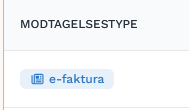
These documents will have a different receipt type, and the sender will be the creditor’s CVR or GLN rather than an email address.
Outgoing
This section displays all invoices that are currently waiting to be exported to the ERP system. If you export large batches of documents at the same time, you can find them all here while they are being processed.
If you have exported an invoice and it is not in the Outgoing folder or in the ERP system, the export likely failed and can be found in "Export errors" (Invoices with errors), along with the reason.
Was this helpful?
Still need help? Ask the team