Widgets
View and manage widgets in your organization
Here you can view a list of all widgets and manage settings regarding which fields, actions, etc., users should have access to.
Overview
In the overview, you can see all widgets, their status, and a description of what they display.

Under "Actions," you can manage the settings for each widget by clicking "Se"
Settings
All settings are per widget—so you can easily display certain information in one widget but omit it in others.
If you change a setting, remember to click Save afterward
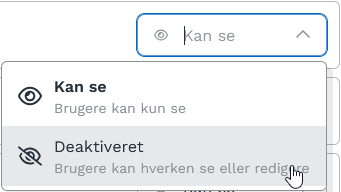
Global Settings
Here you can disable the entire widget if you don’t want to use it.

Key Metrics
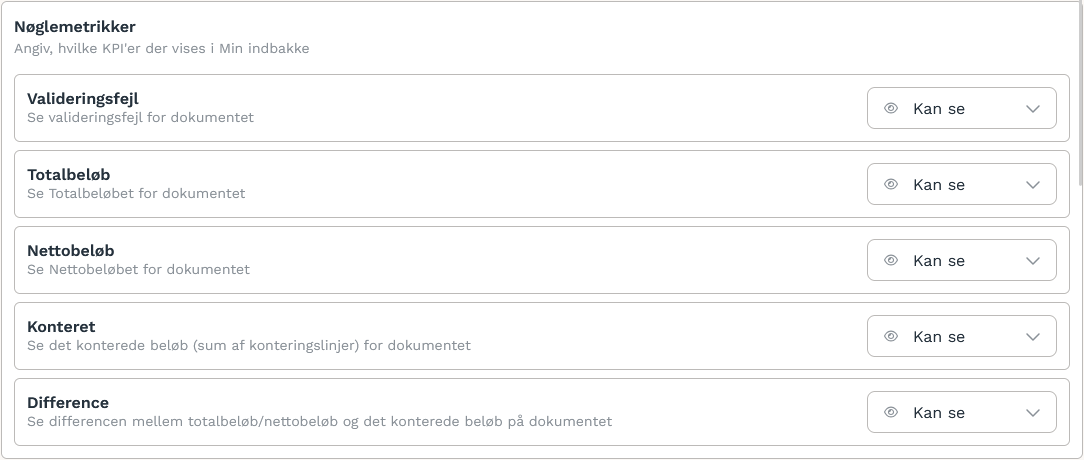
Actions
Document fields
Accounting
Was this helpful?
Still need help? Ask the team