Safety and security
See and manage security in your organization
In the Security section, you can enable and disable security settings for the entire organization. This applies to all users and companies within the organization.

After changing the settings, remember to click "Gem ændringer."

And if you’ve made changes you regret, you can click “Nulstil ændringer” to undo the most recent changes you’ve made.

Two-factor authentication
By default, mandatory two-factor authentication is not enabled, but each user can decide for themselves whether to set it up for their own account or not.
It is possible to make it mandatory, in which case all users will be prompted to set up two-factor authentication upon their next login.

Users are recommended to set up 2FA during account creation, but if it is not made mandatory, the user can choose to skip this step.
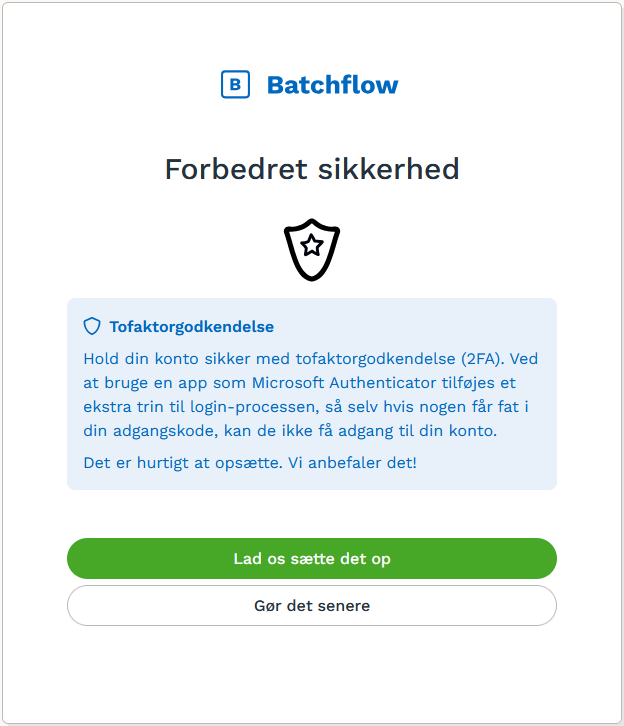
You can use all the common two-factor apps, such as
Microsoft Authenticator
Uniqkey
Google Authenticator
Ente Auth
Aegis
Bitwarden
Authy
And many more
Was this helpful?
Still need help? Ask the team